

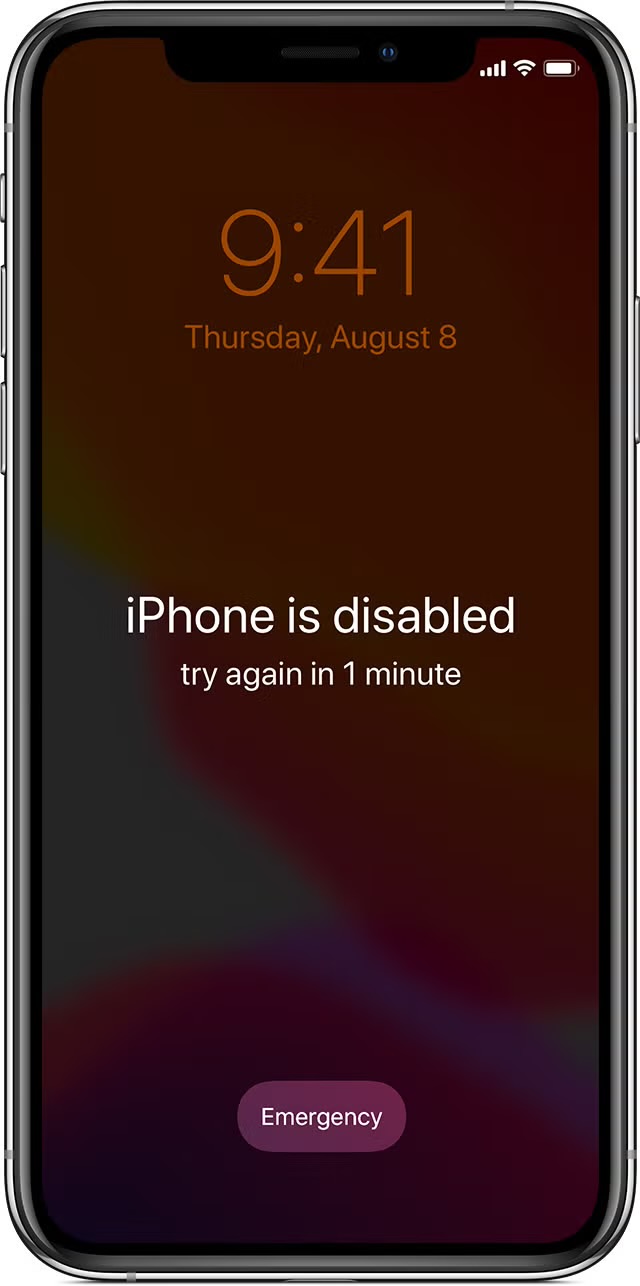
Resetting a locked iPhone becomes necessary when your device displays a “disabled” message, indicating that any unsaved data is irrecoverable. In such situations, performing a hard reset is the only way to restore your iPhone to its factory settings.
After the reset, you have the option to retrieve photos and files from an iCloud backup, provided you have one. If not, it’s advisable to start setting up regular backups going forward. Following the reset, you’ll be required to set up your iPhone a new and reinstall your apps from the App Store.
You may do this on the phone by:
- Clicking on Settings
- Then clicking on your name and selecting iCloud Backup
- Set the slider to the “On” position, and your iPhone will perform a daily backup when the phone is charging, on a stable Wi-Fi connection, and locked.
I believe this article is helpful ?




Leave a Reply